Is an Electronic Signature Legally Binding? A Simple Guide
When you are a freelancer or a small business owner, the last thing you want to worry about after finally getting a “yes” from a client is whether your paperwork will actually hold up in court. You’ve spent hours drafting the perfect SOW or lease, and you need it signed today. But as you look for a way to get it done, a nagging question often pops up: is an electronic signature legally binding?
The short answer is yes. In the United States, electronic signatures carry the same legal weight as a traditional “wet” signature on paper, provided certain criteria are met. For the occasional sender—the landlord with one rental property or the designer with a few key clients—understanding the framework behind this allows you to stop stressing over the “how” and start focusing on the work.
Is an Electronic Signature Legally Binding in the US?
The legal validity of digital agreements isn’t based on a whim; it is codified in federal and state law. If you are operating in the US or Canada, two primary pieces of legislation ensure that your electronic signature is legally binding.
The ESIGN Act (Federal Law)
The Electronic Signatures in Global and National Commerce Act (ESIGN), passed in 2000, is a federal law that ensures electronic signatures are not denied legal effect simply because they are electronic. Essentially, it prevents a party from claiming a contract is invalid just because it wasn’t signed with a pen. You can read the full text of the act on govinfo.gov.
UETA (State Law)
The Uniform Electronic Transactions Act (UETA) is a model law adopted by almost every US state. While ESIGN provides a federal umbrella, UETA provides the granular state-level framework. Together, they establish that if both parties agree to conduct a transaction electronically, the resulting “electronic record” is just as valid as a paper one. More details are available via the Federation of State Laws.
The Anatomy of a Binding Electronic Signature
Not every “digital mark” is created equal. For an electronic signature to be legally binding, the process must satisfy three core requirements: intent to sign, consent to do business electronically, and a reliable record of the transaction.
Intent and Consent
For a signature to be valid, the signer must demonstrate a clear intent to sign the document. This is typically handled by the act of clicking “Sign” or typing their name into a signature field. Furthermore, both parties must consent to use electronic records. In a professional flow, this is usually implied when a sender emails a document and the recipient opens it and interacts with the signature fields.
The Importance of the Audit Trail
This is where a simple “typed name in a Word doc” differs from a professional e-signature tool. To prove a signature is valid in court, you need an audit trail. An audit trail is a digital ledger that records:
- The IP address of the signer.
- The exact timestamp of when the document was viewed and signed.
- The email address associated with the signer.
- The unique ID of the document.
Without this data, you have a “signature,” but you don’t have proof of who signed it and when. This is why using a dedicated tool is critical for freelancers and landlords; it removes the burden of proof from your shoulders and places it on the data.
Does an Electronic Signature Hold Up in Court?
Generally, yes. Under the ESIGN Act, a signature or contract cannot be denied legal effect solely because it is in electronic form. In court, an e-signed agreement is judged on the same terms as a paper one.
When an e-signed contract is challenged, the dispute is rarely about the format. It’s almost always about two questions: who actually signed, and did they agree to sign? That’s exactly what the audit trail answers. A record showing the signer’s email, IP address, and the timestamps of every view and signature makes it much harder for anyone to claim “that wasn’t me” or “I never agreed to this.”
There are a few exceptions written into ESIGN where an electronic signature may not hold up, because other rules still require paper. These include:
- Wills, codicils, and testamentary trusts.
- Adoption, divorce, and other family law documents.
- Court orders and official court documents.
- Notices of eviction, foreclosure, or utility shut-off, and cancellation of health or life insurance.
For the everyday agreements most freelancers and small landlords send—SOWs, NDAs, service agreements, and leases—an electronic signature is generally enforceable. This is general information, not legal advice; if you’re unsure about a specific document, check with a lawyer.
Is Expensive Software “More Legal”?
Many small business owners worry that “big companies” use expensive software because it’s “more legal” than a simple tool. This is a common misconception. The law doesn’t care how much your software costs; it cares whether the signature meets the legal requirements of ESIGN and UETA.
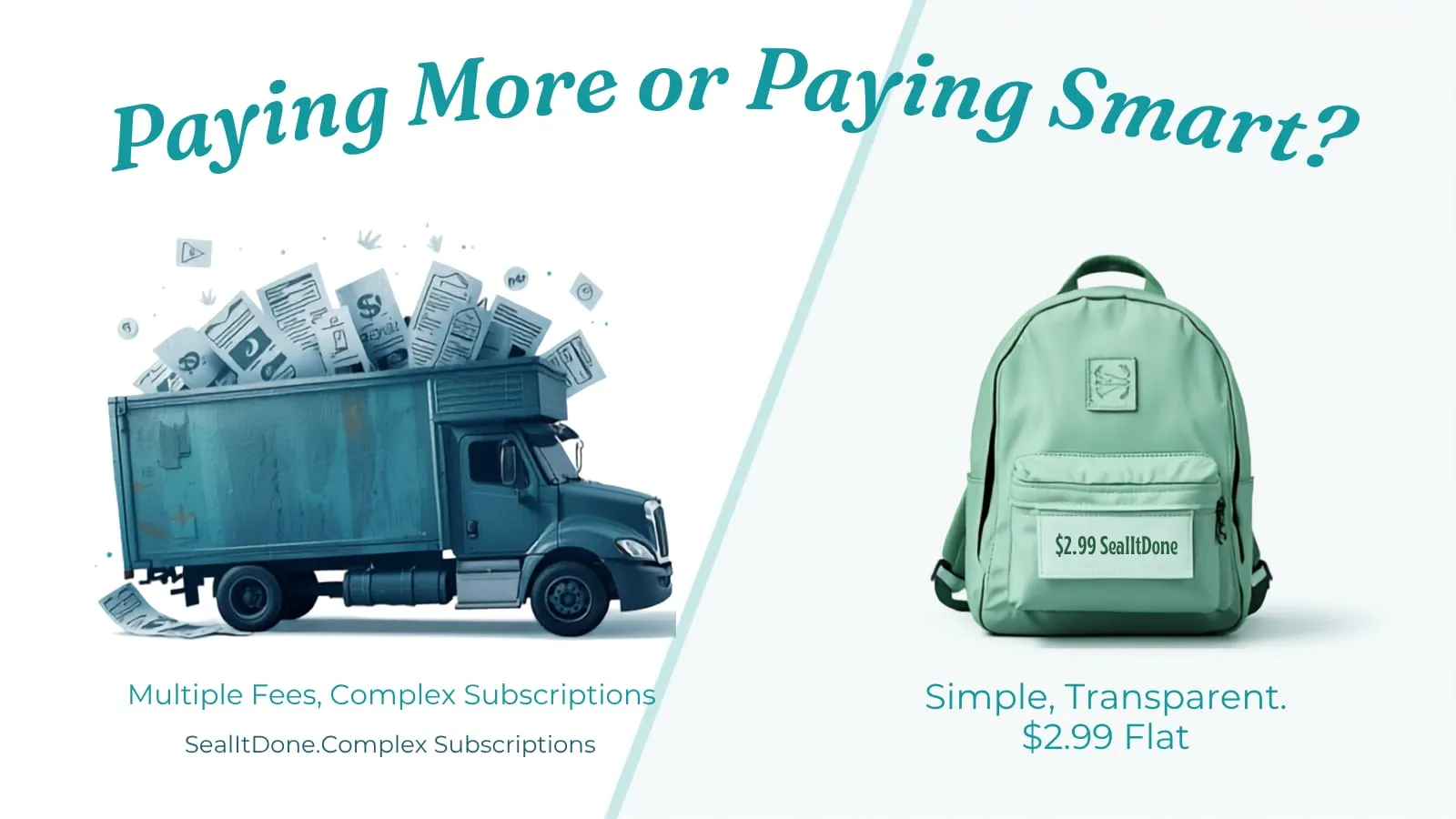
Whether you use a high-end enterprise platform or a pay-per-document alternative, the legal validity is the same as long as the tool provides a secure audit trail and a verifiable seal. The difference isn’t the legality—it’s the friction. Enterprise tools often force you into monthly subscriptions and complex “seat” management that a solo contractor simply doesn’t need. If you’ve been asked to sign through one of these platforms, our guide on whether Docusign is legally binding walks through how the same rules apply.
Electronic Signatures vs. Digital Signatures: What’s the Difference?
While people use these terms interchangeably, there is a technical difference that matters for your peace of mind.
An electronic signature is a broad term. It can be as simple as a scanned image of your signature or a typed name. While these are often legally binding, they are easier to dispute because they lack intrinsic security.
A digital signature is a specific type of electronic signature that uses encryption (like AES-256) to “lock” the document. Once a digital signature is applied, any change to the document—even a single comma—breaks the seal. This provides “non-repudiation,” meaning the signer cannot later claim the document was altered after they signed it.
So, is a digital signature legally binding? Generally, yes. It’s an electronic signature with extra tamper protection, so it’s covered by ESIGN and UETA and is even harder to dispute.
For anyone managing a lease or a high-value project agreement, this level of security is the gold standard. It ensures that your record is permanent and tamper-proof. You can see how this compares to the hidden costs of free tools.
The “No Free Lunch” Reality of E-Signatures
When searching for a way to get a contract signed, many freelancers look for “free” options. You will find plenty of open-source tools that claim to be free. However, as any developer will tell you, “free” software often comes with a high technical cost.
To use an open-source tool, you typically have to:
- Rent and configure a VPS (Virtual Private Server).
- Set up Docker containers.
- Configure SMTP servers for email delivery.
- Manage security patches and updates.
For most landlords or designers, spending six hours configuring a server just to save $2.99 on a lease is a poor trade. The “cost” isn’t in the money; it’s in the time. The goal is to get the contract signed today, not to become a part-time systems administrator.
Summary Checklist for a Legally Binding Agreement
If you want to ensure your next contract is ironclad, follow this checklist:
- Ensure Mutual Consent: Both you and your client should agree to sign electronically.
- Use a Professional Tool: Avoid simple “image overlays” in PDFs. Use a platform that generates a unique audit trail.
- Verify the Audit Trail: Ensure the tool captures IP addresses and timestamps.
- Seal the Document: Use a tool that provides a digital seal to prevent post-signature tampering.
- Store the Record: Keep the signed PDF and the audit certificate in a secure folder (like Google Drive or Dropbox).
By following these steps, you can move forward with confidence. You don’t need a corporate legal team or a monthly subscription to protect your business. You just need a tool that follows the law and stays out of your way.