Understanding Electronic Signature Compliance
Electronic signatures make signing documents fast and easy. But how do you know if they are legal and safe? You need to understand electronic signature compliance. This helps you avoid problems and ensures your signed documents hold up in court.
What Is Electronic Signature Compliance?
Electronic signature compliance means following laws and rules that make electronic signatures valid. These laws protect both the signer and the receiver. They make sure the signature is real and the document is secure.
In the US, the main laws are ESIGN Act and UETA. They say electronic signatures have the same legal weight as handwritten ones. But you must meet certain conditions:
- The signer agrees to use an electronic signature.
- The signature is linked to the signer.
- The document is tamper-proof after signing.
- You can prove the signature’s authenticity if needed.
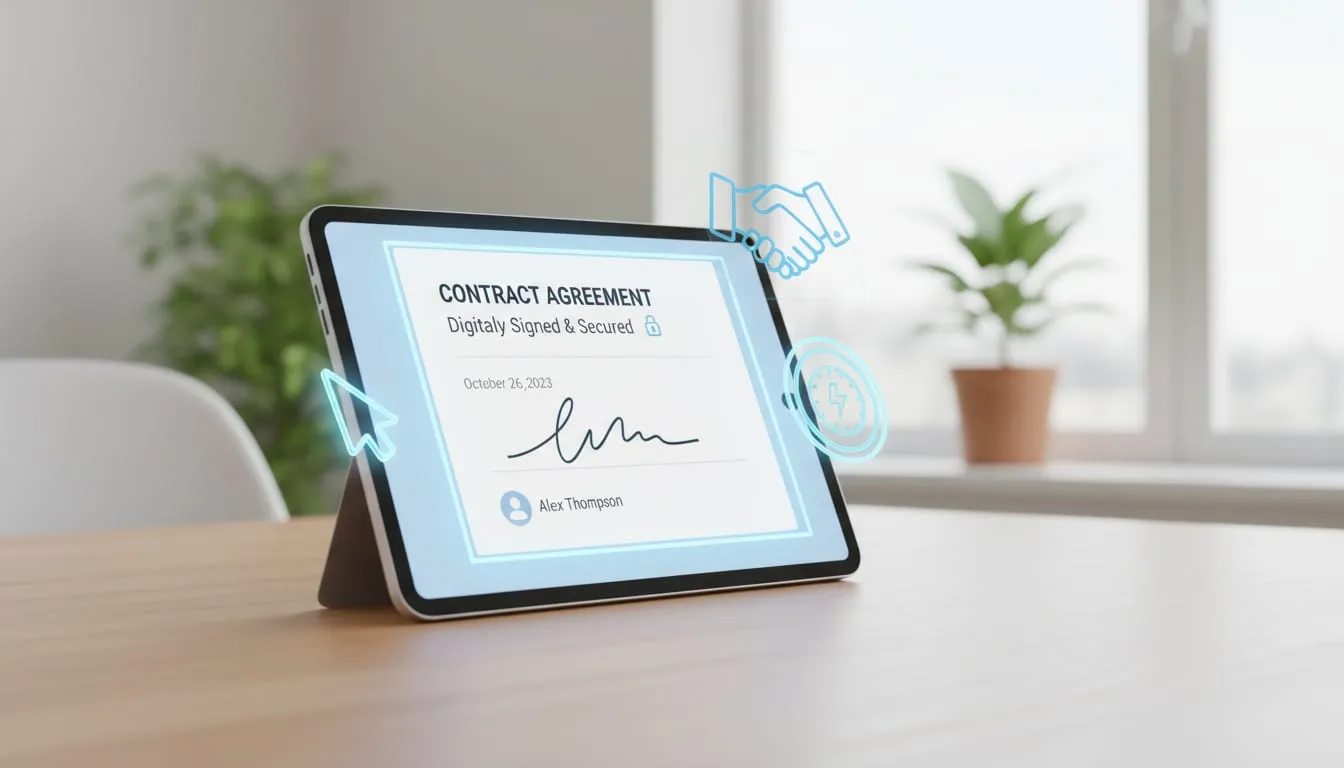
Following these rules means your electronic signatures are legally binding.
Why Electronic Signature Compliance Matters
Compliance is not just about law. It builds trust. When you use compliant electronic signatures, you show you care about security and privacy. This is important for individuals and small businesses who need to sign documents occasionally.
Imagine you sign a contract electronically. If the signature is not compliant, the other party might reject it. Or worse, a court might not accept it. This can cause delays, extra costs, or legal trouble.
Compliance also protects your data. It ensures your documents are stored safely and only authorized people can access them.
How to Ensure Your Electronic Signatures Are Compliant
You don’t need to be a legal expert to use compliant electronic signatures. Here are simple steps to follow:
- Choose a trusted platform - Use software that follows ESIGN and UETA rules.
- Get signer consent - Always ask the signer to agree to use electronic signatures.
- Verify signer identity - Use email, phone, or other methods to confirm who is signing.
- Keep audit trails - Save records of when and how the document was signed.
- Secure your documents - Use encryption and access controls to protect files.
These steps help you stay compliant and avoid headaches.
Common Compliance Challenges and How to Avoid Them
Even with the best intentions, mistakes happen. Here are common issues and how to fix them:
- No signer consent - Always get clear permission before sending a document for electronic signature.
- Weak identity verification - Use multi-factor verification if possible.
- Missing audit trail - Keep detailed logs of every action related to the document.
- Insecure storage - Store signed documents in secure cloud services or encrypted drives.
- Ignoring regional laws - Check if your state or country has extra rules beyond ESIGN and UETA.
By addressing these challenges, you keep your electronic signatures valid and trustworthy.
How SealItDone Supports Compliance for You
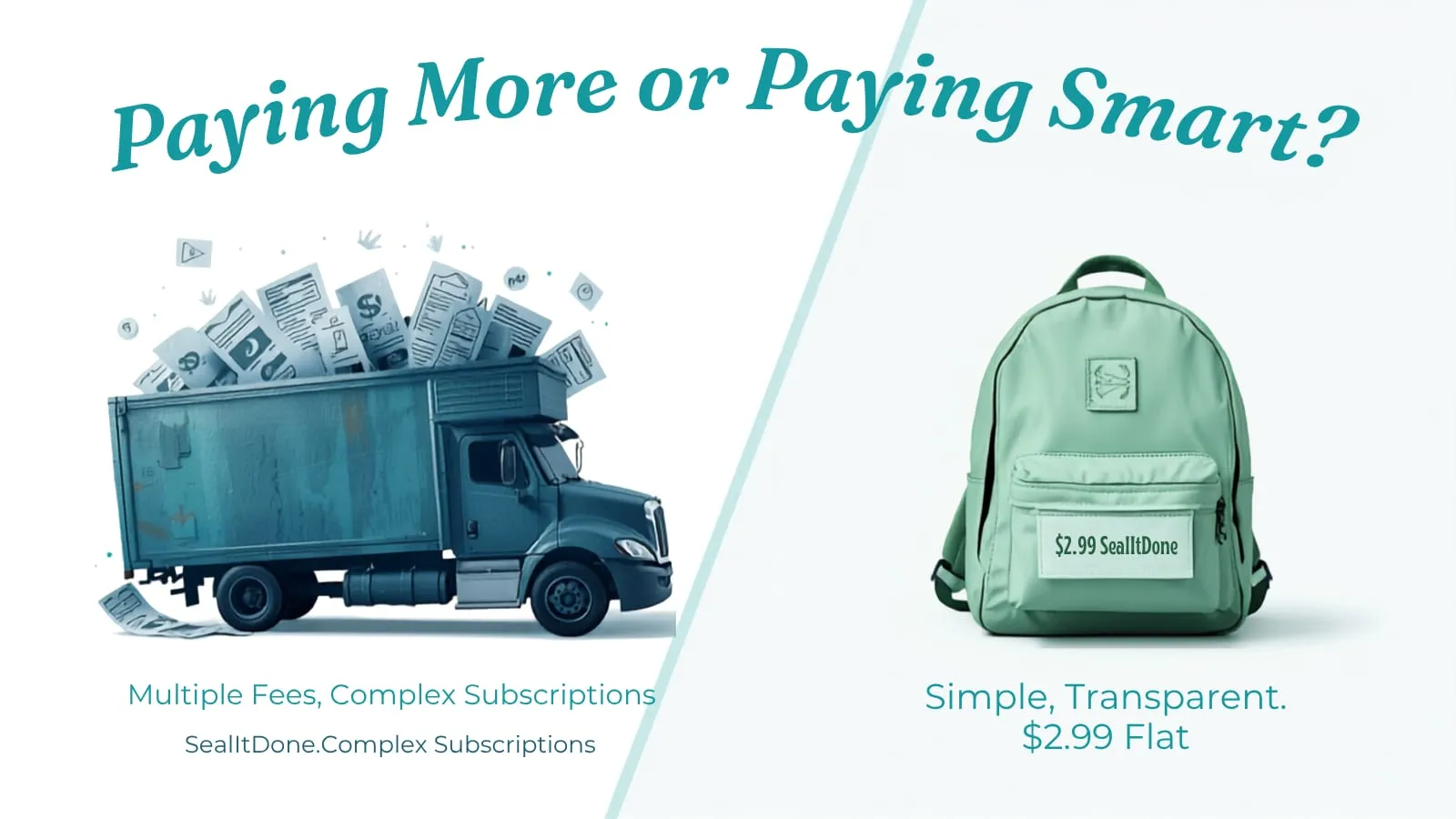
SealItDone offers a simple, pay-as-you-go model for electronic signatures. This means you pay only when you need to sign a document. No subscriptions or complicated software.
SealItDone follows all compliance rules. It gets signer consent, verifies identity, and keeps audit trails automatically. Your documents stay safe and legally binding.
This makes it perfect for individuals and small businesses who need occasional signatures without hassle or high costs.
If you want to learn more about electronic signatures and compliance, check out this electronic signature blog.
What You Should Do Next
Start using electronic signatures today. Pick a platform that meets compliance standards. Follow the simple steps to get consent and verify signers. Keep your documents secure and backed up.
Remember, compliance is key to making your electronic signatures legal and trusted. It saves you time, money, and stress.
SealItDone makes this easy. Try it for your next document and see how simple compliance can be.
Use electronic signatures smartly. Stay compliant. Sign with confidence.